Enterprise IT Solutions

Server Migration for Enterprise

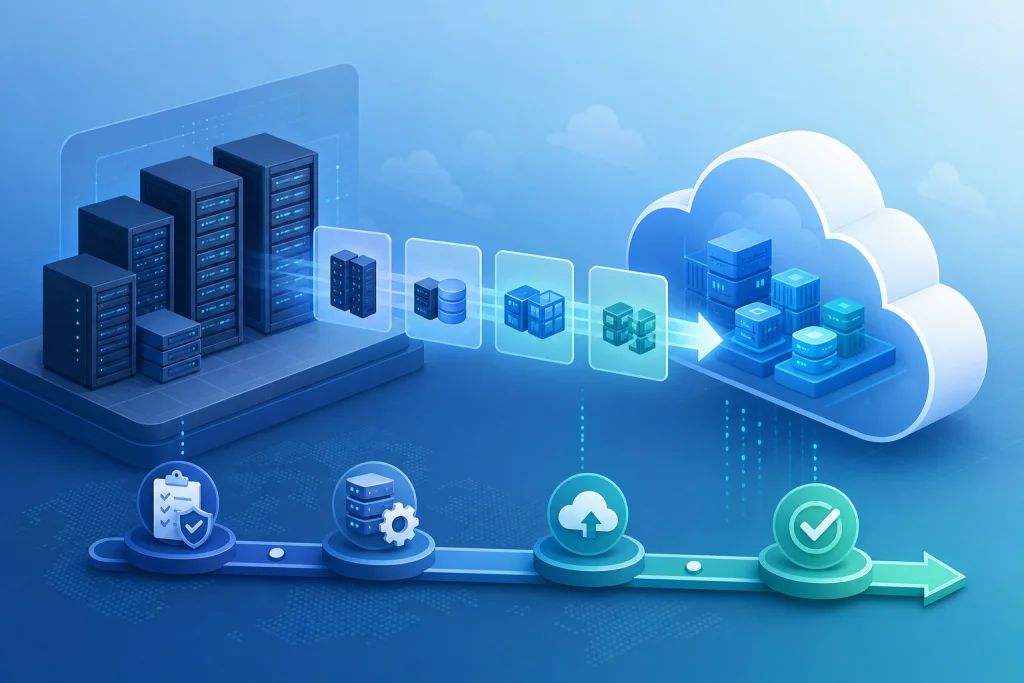
Server migration is a critical IT transformation project that involves moving workloads, applications, and data from existing servers to new hardware, virtualization platforms, or cloud environments. For enterprises in Indonesia, this process is essential to modernize infrastructure, improve performance, and reduce operational costs. A successful migration requires meticulous planning, risk assessment, and execution to avoid data loss and downtime. Key considerations include compatibility of legacy systems, network bandwidth, and security protocols. Leveraging technologies such as VMware for virtualization, Veeam for backup, and Lenovo or HP for hardware ensures a seamless transition. Additionally, integrating Fortinet firewalls and Synology NAS for storage can enhance data protection. Server migration is not merely a lift-and-shift; it involves re-architecting applications for optimal performance, which often includes moving to hyperconverged infrastructure (HCI) or hybrid cloud models. Enterprises in sectors like finance, healthcare, and manufacturing benefit from reduced latency, scalability, and compliance with local regulations. Intilogy provides end-to-end server migration services, from assessment to post-migration support, ensuring business continuity and ROI acceleration.

Server Migration Architecture

Server migration architecture encompasses the design and planning of moving IT resources from one environment to another. A typical architecture includes source servers (physical or virtual), target infrastructure (new hardware, private cloud, or public cloud), and a migration layer that orchestrates data transfer and application reconfiguration. For enterprise-grade migrations, a phased approach is recommended: first, assess the current environment using tools like VMware vCenter or Microsoft System Center; second, design the target architecture with considerations for high availability, disaster recovery, and security; third, execute the migration using techniques like live migration (vMotion), cold migration, or backup-and-restore. The architecture must account for network segmentation, storage replication, and identity management. For example, using Synology Active Backup for Business can streamline data transfer, while Veeam ensures minimal downtime. A well-architected migration reduces risks and enables future scalability.

In Indonesia, enterprises often face challenges like limited bandwidth and legacy hardware. A hybrid architecture combining on-premises server and storage with cloud resources can optimize performance. For instance, mission-critical databases may remain on-premises while less sensitive workloads migrate to the cloud. The architecture should include a rollback plan, using snapshots and replication, to revert in case of failure. Additionally, integrating Fortinet security appliances ensures data integrity during transit. Proper architecture design is the foundation for a successful server migration, enabling enterprises to achieve higher efficiency and lower total cost of ownership.

Industry Use Cases for Server Migration

Server migration is pivotal across industries in Indonesia. In the financial sector, banks and insurance companies migrate to meet regulatory compliance and enhance transaction processing. For example, a bank in Jakarta migrating from legacy IBM servers to HP ProLiant with VMware reduced transaction latency by 40% and achieved 99.99% uptime. In healthcare, hospitals migrate to secure patient data and support telemedicine. A hospital in Surabaya moved its EHR system to a hyperconverged infrastructure with Dell and Veeam, cutting backup times from 8 hours to 30 minutes. Manufacturing companies in Batam migrate to support IoT and real-time analytics, using Lenovo servers and Fortinet firewalls to protect intellectual property. Retail enterprises in Bandung migrate to handle peak loads during promotions, leveraging hybrid cloud with Microsoft Azure. Each use case demonstrates the need for tailored migration strategies that address specific performance, security, and compliance requirements.

Another critical use case is for government agencies in Indonesia, which must ensure data sovereignty and business continuity. A government office in Yogyakarta migrated to a private cloud using Cisco UCS and Synology storage, achieving 50% cost savings and improved disaster recovery. The migration also enabled remote work capabilities during the pandemic. These examples highlight how server migration drives digital transformation, enabling enterprises to adopt modern technologies like AI and big data analytics while maintaining operational resilience.

Server Migration vs Traditional Alternatives

Server migration offers significant advantages over traditional alternatives like forklift upgrades or piecemeal hardware replacements. Traditional methods often involve manual data transfer, prolonged downtime, and higher risk of errors. In contrast, server migration utilizes automated tools and proven methodologies to minimize disruption. For instance, using VMware vMotion allows live migration of virtual machines with zero downtime, whereas traditional upgrades require scheduled outages. Additionally, server migration enables consolidation, reducing the number of physical servers and lowering power and cooling costs. Traditional approaches may lead to vendor lock-in, while migration to open standards or hybrid cloud provides flexibility.

Another key difference is in disaster recovery and scalability. Server migration often includes implementing backup and disaster recovery solutions like Veeam, which traditional upgrades lack. For example, a company in Indonesia migrating to a hyperconverged infrastructure with Lenovo and Synology can achieve built-in redundancy and automated failover. Traditional alternatives may require separate investments in backup hardware and software. Moreover, server migration supports modern security frameworks, integrating Fortinet firewalls and endpoint protection, whereas traditional upgrades often overlook security gaps. Overall, server migration provides a strategic path to modernize IT infrastructure with lower total cost of ownership and higher agility.

Case Study & Implementation Methodology

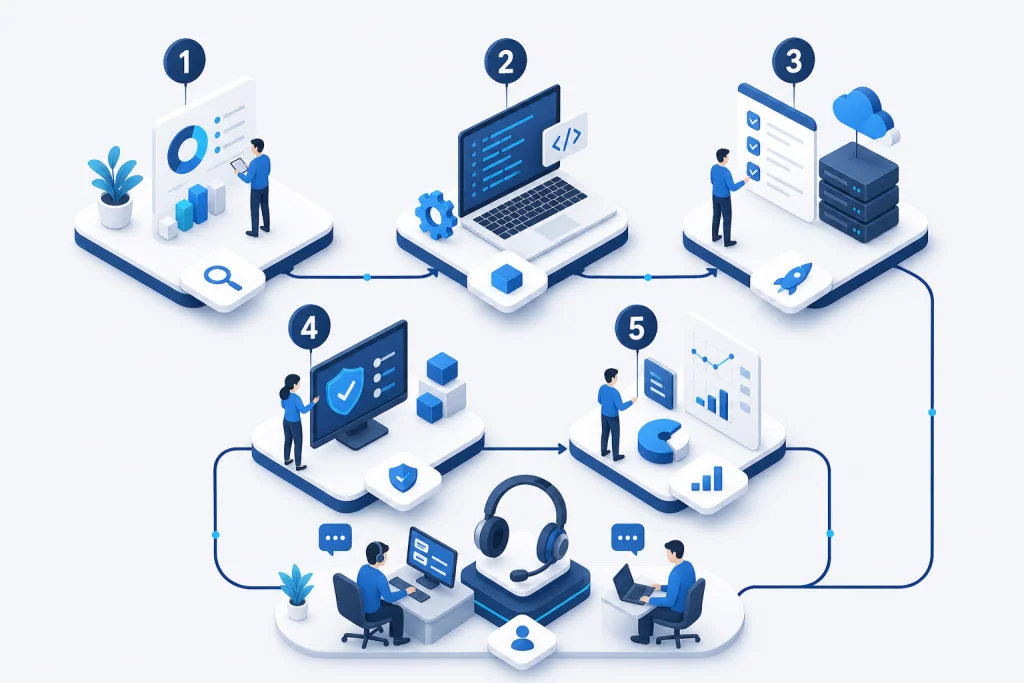
A manufacturing company in Surabaya faced challenges with aging servers causing frequent downtime and slow production data processing. The legacy environment had 15 physical servers with 70% utilization, and backups took over 12 hours. Intilogy implemented a migration to a hyperconverged infrastructure using Lenovo ThinkAgile HX and Veeam Backup & Replication. The methodology included: Phase 1 - Assessment (2 weeks): inventory of all workloads, dependency mapping, and risk analysis. Phase 2 - Design (1 week): target architecture with 4 nodes, VMware vSAN, and Fortinet firewall for segmentation. Phase 3 - Migration (4 weeks): live migration of 30 VMs using vMotion, with rollback snapshots. Phase 4 - Optimization (1 week): performance tuning and training. Results: 60% reduction in downtime, 80% faster backups (under 2 hours), and 40% lower TCO over 3 years. The company also achieved 99.99% availability and improved production throughput by 25%.

Another case involved a financial services firm in Jakarta needing to migrate to comply with BI regulations. The legacy system had 20 physical servers with 50% utilization and no disaster recovery. Intilogy migrated to a private cloud with HP Synergy and Microsoft Hyper-V, using Synology for backup. The implementation followed a similar phased methodology, with an additional compliance audit. Results: 50% reduction in operational costs, 99.99% uptime, and full compliance. The firm also gained the ability to scale resources on demand. These case studies demonstrate the effectiveness of a structured methodology and the importance of choosing the right technology partners.

Server Migration Architecture

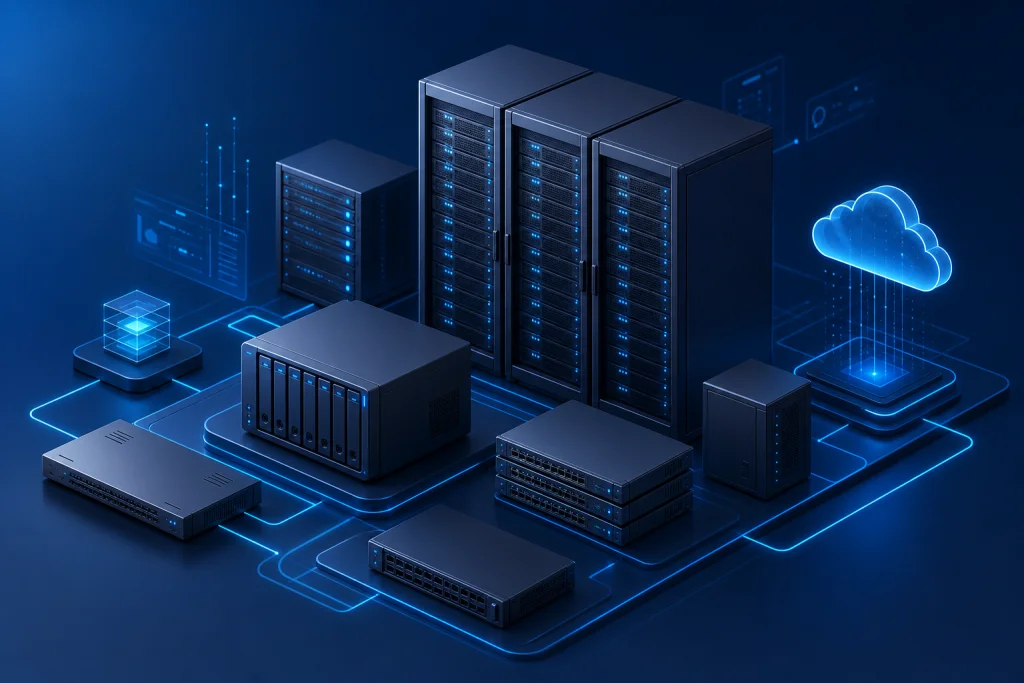
Server migration architecture encompasses the design and planning of moving IT resources from one environment to another. A typical architecture includes source servers (physical or virtual), target infrastructure (new hardware, private cloud, or public cloud), and a migration layer that orchestrates data transfer and application reconfiguration. For enterprise-grade migrations, a phased approach is recommended: first, assess the current environment using tools like VMware vCenter or Microsoft System Center; second, design the target architecture with considerations for high availability, disaster recovery, and security; third, execute the migration using techniques like live migration (vMotion), cold migration, or backup-and-restore. The architecture must account for network segmentation, storage replication, and identity management. For example, using Synology Active Backup for Business can streamline data transfer, while Veeam ensures minimal downtime. A well-architected migration reduces risks and enables future scalability.

Industry Use Cases for Server Migration

Server migration is pivotal across industries in Indonesia. In the financial sector, banks and insurance companies migrate to meet regulatory compliance and enhance transaction processing. For example, a bank in Jakarta migrating from legacy IBM servers to HP ProLiant with VMware reduced transaction latency by 40% and achieved 99.99% uptime. In healthcare, hospitals migrate to secure patient data and support telemedicine. A hospital in Surabaya moved its EHR system to a hyperconverged infrastructure with Dell and Veeam, cutting backup times from 8 hours to 30 minutes. Manufacturing companies in Batam migrate to support IoT and real-time analytics, using Lenovo servers and Fortinet firewalls to protect intellectual property. Retail enterprises in Bandung migrate to handle peak loads during promotions, leveraging hybrid cloud with Microsoft Azure. Each use case demonstrates the need for tailored migration strategies that address specific performance, security, and compliance requirements.

How we work

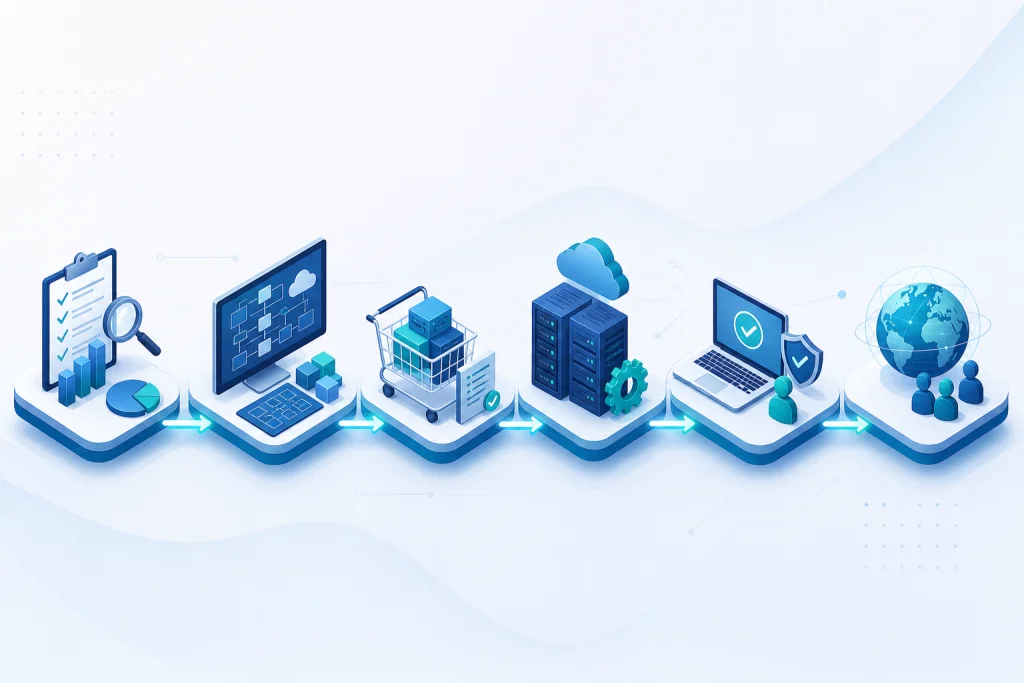
Structured delivery from assessment to handover

Each phase has clear deliverables, owners, and acceptance criteria aligned to enterprise IT practice.

Approach

Server Migration vs Traditional Alternatives

Server migration offers significant advantages over traditional alternatives like forklift upgrades or piecemeal hardware replacements. Traditional methods often involve manual data transfer, prolonged downtime, and higher risk of errors. In contrast, server migration utilizes automated tools and proven methodologies to minimize disruption. For instance, using VMware vMotion allows live migration of virtual machines with zero downtime, whereas traditional upgrades require scheduled outages. Additionally, server migration enables consolidation, reducing the number of physical servers and lowering power and cooling costs. Traditional approaches may lead to vendor lock-in, while migration to open standards or hybrid cloud provides flexibility.

  • Another key difference is in disaster recovery and scalability. Server migration often includes implementing backup and disaster recovery solutions like Veeam, which traditional upgrades lack. For example, a company in Indonesia migrating to a hyperconverged infrastructure with Lenovo and Synology can achieve built-in redundancy and automated failover. Traditional alternatives may require separate investments in backup hardware and software. Moreover, server migration supports modern security frameworks, integrating Fortinet firewalls and endpoint protection, whereas traditional upgrades often overlook security gaps. Overall, server migration provides a strategic path to modernize IT infrastructure with lower total cost of ownership and higher agility.

Capabilities

Case Study & Implementation Methodology

A manufacturing company in Surabaya faced challenges with aging servers causing frequent downtime and slow production data processing. The legacy environment had 15 physical servers with 70% utilization, and backups took over 12 hours. Intilogy implemented a migration to a hyperconverged infrastructure using Lenovo ThinkAgile HX and Veeam Backup & Replication. The methodology included: Phase 1 - Assessment (2 weeks): inventory of all workloads, dependency mapping, and risk analysis. Phase 2 - Design (1 week): target architecture with 4 nodes, VMware vSAN, and Fortinet firewall for segmentation. Phase 3 - Migration (4 weeks): live migration of 30 VMs using vMotion, with rollback snapshots. Phase 4 - Optimization (1 week): performance tuning and training. Results: 60% reduction in downtime, 80% faster backups (under 2 hours), and 40% lower TCO over 3 years. The company also achieved 99.99% availability and improved production throughput by 25%.

  • Another case involved a financial services firm in Jakarta needing to migrate to comply with BI regulations. The legacy system had 20 physical servers with 50% utilization and no disaster recovery. Intilogy migrated to a private cloud with HP Synergy and Microsoft Hyper-V, using Synology for backup. The implementation followed a similar phased methodology, with an additional compliance audit. Results: 50% reduction in operational costs, 99.99% uptime, and full compliance. The firm also gained the ability to scale resources on demand. These case studies demonstrate the effectiveness of a structured methodology and the importance of choosing the right technology partners.
Use cases

Perencanaan infrastruktur baru

Refresh & modernisasi

Ekspansi multi-cabang

Compliance & audit IT

Server Migration for Enterprise

Our engineers help design, deploy, and support enterprise IT solutions across Indonesia.

Request a quote Contact our team

Related pages

E-E-A-T · Expertise & trust

IT infrastructure & data center expertise

Infrastructure engineers support server/storage sizing, VMware, rack & stack, and operational handover.

  • 500+ Infrastructure deployments
  • 24/7 Operational support
  • SLA Enterprise SLA
  • 150+ Clients & institutions

Engineering & delivery expertise

Engineer-led assessment

Requirements workshops, sizing, and architecture — not catalogue selling without context.

Documented deployment

Commissioning checklists, as-built diagrams, IP plans, and escalation runbooks.

Audit-ready procurement

BoQ/BOM, quotations, POs, and handover packs for tenders and IT audits.

Multi-vendor coordination

One project partner for servers, networks, security, backup, and licensing.

Vendor ecosystem & sourcing channels

We source through official distributors/resellers per brand and project. Specific partnership tiers are confirmed per RFP — see our credentials page.

Vendor Status / tier Scope Notes
Dell Technologies Authorized channel PowerEdge, storage BoQ & manufacturer warranty
HPE Authorized channel ProLiant Enterprise servers
Fortinet Implementation partner NGFW, SD-WAN Licensing & deployment
Veeam Implementation partner Backup, replication Immutable design
VMware Implementation partner vSphere Cluster & migration

Tiers vary by SKU/region. Contact sales@intilogy.com for distributor letters or engineer certificates.

Enterprise implementation methodology

Standard flow for infrastructure, security, and backup projects — scoped per contract.

  1. Discovery & assessment

    Duration: 1–2 weeks

    Deliverables Requirements & risk report

  2. Architecture & BoQ

    Duration: 1–2 weeks

    Deliverables HLD, BoQ, rollout plan

  3. Procurement & staging

    Duration: 2–4 weeks

    Deliverables Asset register

  4. Implementation & UAT

    Duration: 2–6 weeks

    Deliverables As-built, UAT sign-off

  5. Handover & operations

    Duration: Ongoing

    Deliverables SOPs, training, SLA if contracted

Support & SLA (per project contract)

Service levels are defined in agreement — example framework below.

Standard maintenance

Response
Next business day (remote)
Coverage
Firmware advisory, tickets, RMA
Notes
Indonesia business hours

Project warranty

Response
Per implementation contract
Coverage
Defects in Intilogy deployment scope
Notes
Not 24/7 unless agreed

Critical incident (optional)

Response
4–8 hours if contracted
Coverage
Production-critical escalation
Notes
Requires separate MSA

Response times are illustrative — binding only when written in contract.

Technical documentation delivered

  • Topology & rack diagrams (as-built)
  • Asset list, serials, warranty status
  • Critical config summary & change log
  • Basic operations runbook & escalation contacts
  • Restore / DR drill reports (if in scope)
  • Tender packs: distributor letters & engineer certs (on request)

Competency & certifications

Engineers train on vendor technologies per project. Individual certs (Fortinet NSE, VMware VCP, Veeam VMCE, etc.) are provided for tenders — not all listed publicly.

  • Engineer certifications — Per project technology — on request
  • Distributor letters — For procurement audit
  • Client references — See Clients page for logos & scope

View certifications & partnerships

Ready to discuss architecture & BoQ?

Our team supports assessment, recommendations, procurement, and documented implementation.

WhatsApp Consult on WhatsApp
Request Consultation WhatsApp