Hyperconverged Architecture
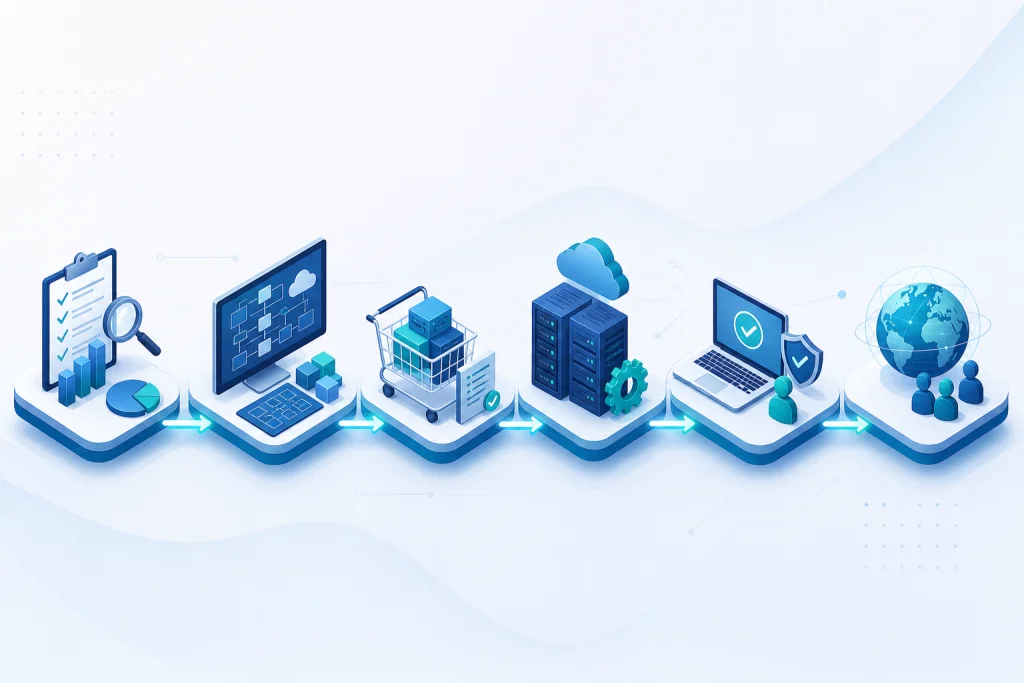
HCI architecture converges compute and storage resources into a single cluster of nodes, each running a hypervisor (e.g., VMware ESXi, Microsoft Hyper-V) and a distributed storage controller. Unlike traditional SAN/NAS, storage is local to each node but pooled across the cluster via software-defined storage (SDS) like VMware vSAN or Nutanix AHV. This eliminates the need for dedicated storage arrays and Fibre Channel switches, reducing hardware complexity and cost. Key components include: (1) hypervisor for virtualization, (2) SDS layer for data distribution and redundancy, (3) management plane for unified operations. Advanced features like deduplication, compression, and erasure coding optimize storage efficiency. For Indonesian enterprises, HCI supports both all-flash and hybrid configurations, balancing performance and budget. IT infrastructure modernization often starts with HCI due to its simplicity and scalability.
Deployment models range from two-node clusters for remote offices to large-scale clusters for primary data centers. Networking integration is critical; HCI nodes connect via standard Ethernet (10GbE/25GbE) with options for RDMA for low latency. Software-defined networking (SDN) via VMware NSX or Nutanix Flow enhances security and micro-segmentation. Management tools like vCenter or Prism provide single-pane-of-glass visibility, enabling automated lifecycle management and predictive analytics. For example, VMware vSAN 8 introduces express storage architecture (ESA) for higher performance and efficiency. HCI also supports containerized workloads via Kubernetes integration, making it future-proof for cloud-native applications.
Industry Use Cases for Hyperconverged
In Indonesia, HCI addresses critical use cases across industries. For **banking and finance**, HCI enables high-availability core banking systems, virtual desktop infrastructure (VDI) for branch offices, and regulatory compliance with data localization. A Jakarta-based bank reduced provisioning time from weeks to hours using Nutanix, achieving 99.99% uptime. For **manufacturing**, HCI supports ERP systems like SAP and real-time IoT analytics. A Surabaya factory deployed Dell VxRail to consolidate legacy servers, cutting data center footprint by 60% and energy costs by 35%. In **retail and e-commerce**, HCI powers omnichannel platforms and inventory management. A large retailer in Bandung used Lenovo ThinkAgile HX for its point-of-sale (POS) systems, handling 10,000 transactions per second during peak hours.
For **healthcare**, HCI ensures high performance for electronic medical records (EMR) and PACS imaging. A hospital in Semarang adopted HP SimpliVity to integrate data from multiple clinics, enabling real-time patient data access and reducing image retrieval time by 70%. **Logistics and transportation** benefit from HCI's scalability for fleet management and warehouse automation. A logistics firm in Medan deployed VMware vSAN to support its tracking platform, handling 5 million GPS data points daily. Hybrid cloud integration allows burst capacity for seasonal demand. HCI also fits **government** and education, where centralized management of multiple campuses or offices is essential.
Hyperconverged vs Traditional Alternatives
Traditional three-tier infrastructure (compute, storage, networking) offers proven performance but suffers from complexity, vendor lock-in, and high operational overhead. HCI simplifies by integrating all components into a single system. Key differences: (1) **Scalability**: HCI scales linearly by adding nodes, while traditional requires separate storage and compute upgrades. (2) **Performance**: HCI with NVMe flash delivers sub-millisecond latency, comparable to all-flash arrays. (3) **Management**: HCI provides unified management; traditional requires separate tools for SAN, servers, and networking. (4) **Cost**: HCI reduces TCO by 30-50% due to lower hardware and operational costs. However, traditional may still be preferred for very large-scale deployments with specific storage requirements (e.g., massive unstructured data).
For Indonesian enterprises, HCI's agility is crucial given rapid digital growth. A comparison: traditional setup for 100 VMs might require 10 servers, two storage arrays, and FC switches, costing $200K+ and needing specialized admins. HCI with 4 nodes can handle the same workload for $120K, with simpler management. Server & storage consolidation via HCI also reduces power and cooling. For latency-sensitive applications like VDI, HCI with local storage outperforms shared storage. Hybrid cloud integration is seamless with HCI, whereas traditional requires additional gateways. Ultimately, HCI is ideal for most enterprise workloads, while traditional remains for legacy apps or extreme performance demands.
Case Study & Implementation Methodology
**Case Study: Financial Services Company in Jakarta**
Challenge: Legacy three-tier infrastructure caused 30% application downtime during peak transactions (2,000 TPS). Storage provisioning took 3 days. Solution: Migrated to Nutanix HCI with 6 nodes (all-flash) and VMware vSphere. Result: 99.99% uptime, provisioning reduced to 15 minutes, TCO lowered by 45% over 3 years. Performance improved 3x for database workloads.
**Implementation Methodology**
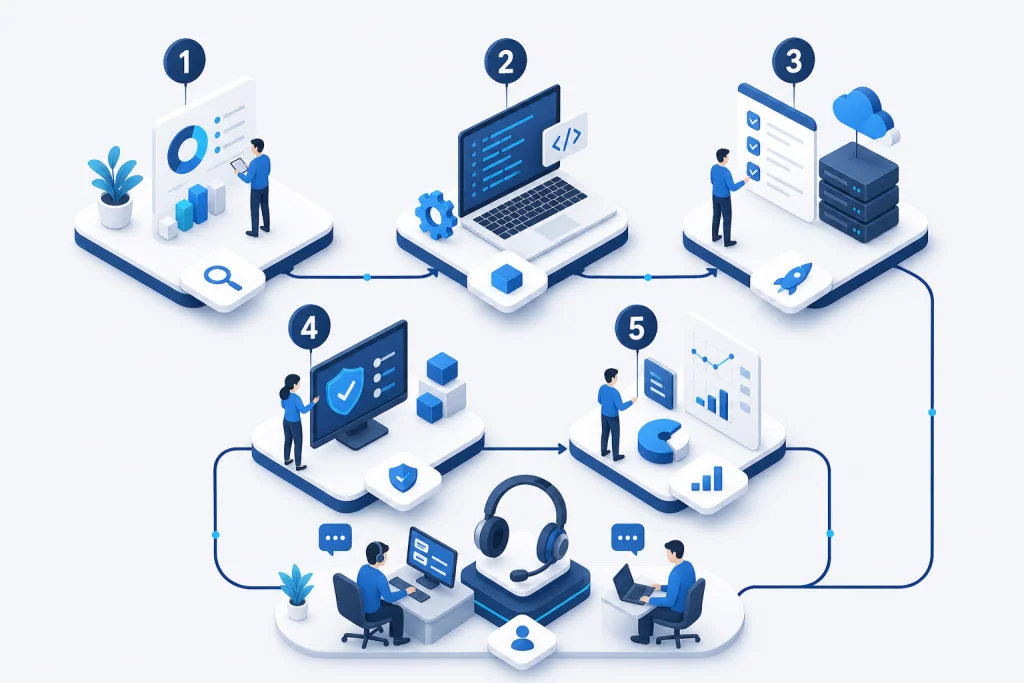
Phase 1: Assessment – Analyze current workloads, performance requirements, and compliance needs (e.g., OJK for finance). Use tools like Dell EMC CloudIQ or Nutanix X-Ray. Phase 2: Design – Right-size cluster (CPU, RAM, storage) based on IOPS and capacity. Plan for 3-year growth with 30% headroom. Phase 3: Deployment – Rack and stack, configure hypervisor and SDS, migrate VMs via VMware HCX or Nutanix Move. Phase 4: Optimization – Enable deduplication, compression, and QoS policies. Set up backup with Veeam and disaster recovery to secondary site or cloud. Phase 5: Management – Ongoing monitoring via Prism or vCenter, with automated scaling. Backup & disaster recovery integration ensures RPO < 15 minutes. Typical deployment timeline: 4-6 weeks for 10-node cluster.