IT Helpdesk Solution Architecture
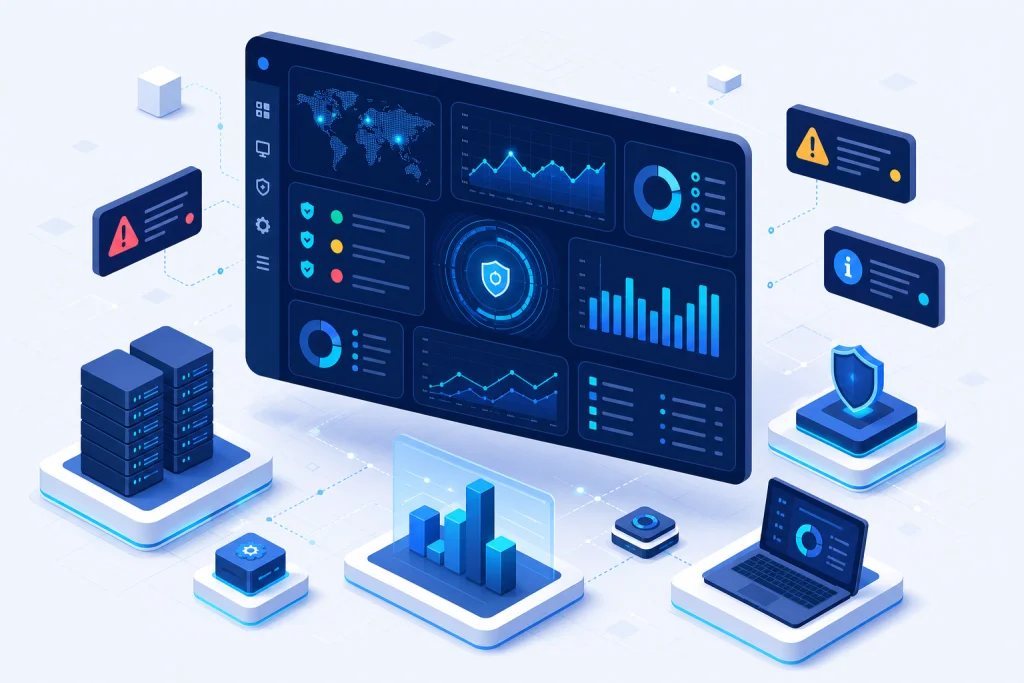
A modern IT helpdesk solution architecture comprises multiple layers: presentation, application, data, and integration. The presentation layer includes a web portal, mobile app, and self-service kiosk, often built with responsive frameworks. The application layer handles ticketing, workflow automation, and SLA engine, typically using microservices deployed on HCI or cloud infrastructure. The data layer uses relational databases (e.g., SQL Server) or NoSQL for knowledge base and analytics. Integration layer connects to IT infrastructure monitoring, server & storage systems, and directory services like Active Directory. For example, Dell servers can send hardware health alerts to the helpdesk, automatically creating tickets. APIs enable integration with VMware vSphere for virtual machine incident correlation. Security is paramount: role-based access control, encryption, and audit logs. In Indonesia, where data sovereignty is critical, on-premises deployment with Synology NAS for backup is common. The architecture must support high availability through load balancing and failover, often using Fortinet firewalls for secure remote access. This ensures 99.9% uptime for enterprise operations.
Scalability is achieved through horizontal scaling of application servers and database sharding. For large enterprises with thousands of agents, the system must handle concurrent requests. Caching layers (e.g., Redis) improve response times. Monitoring tools like Ruijie network analytics can feed into the helpdesk for proactive issue detection. The architecture also supports multi-tenancy for managed service providers (MSPs) serving multiple clients. In Indonesia, where internet connectivity varies, offline capabilities for mobile agents are essential. The system can sync when reconnected. Overall, a well-architected helpdesk solution reduces MTTR by 50% and improves agent productivity by 30%.
Industry Use Cases for IT Helpdesk Solution
In the banking sector, an IT helpdesk solution manages incidents across thousands of branches. For example, a bank in Jakarta uses AI chatbots to handle password resets (60% of tickets), reducing agent workload. Integration with Enterprise CCTV systems allows security incidents to be logged as tickets. In manufacturing, helpdesk systems track machine downtime and coordinate with Hybrid Cloud for remote diagnostics. A Surabaya factory reduced MTTR by 40% by integrating IoT sensors with the helpdesk. For logistics companies, the helpdesk manages IT assets across warehouses, using QNAP storage for data logging. In healthcare, hospitals use helpdesk to manage medical device repairs and software issues, ensuring compliance with regulations. A hospital in Bandung achieved 95% SLA compliance by automating ticket routing based on severity. Retail enterprises leverage helpdesk for point-of-sale (POS) system support, integrating with Enterprise WiFi to troubleshoot network issues. In education, universities use helpdesk for student and faculty support, with self-service portals for common issues like email setup. A university in Yogyakarta reduced email volume by 30% through knowledge base articles. These use cases demonstrate how helpdesk solutions improve operational efficiency across industries.
Additionally, government agencies in Indonesia use helpdesk for citizen services, integrating with Cyber Security tools to handle phishing reports. The system's analytics identify recurring issues, enabling proactive improvements. For example, a government office in Jakarta used trend analysis to upgrade Firewall configurations, reducing security incidents by 25%. In the oil and gas sector, remote site support is critical; helpdesk solutions with offline capabilities and satellite connectivity ensure continuous operations. A Pertamina subsidiary reduced site downtime by 30% using remote support tools. Overall, industry-specific configurations maximize ROI.
IT Helpdesk Solution vs Traditional Alternatives
Traditional IT support relied on phone calls, email, and spreadsheets, leading to slow response times, lost tickets, and lack of accountability. In contrast, modern IT helpdesk solutions offer automated ticketing, SLA enforcement, and self-service portals. For example, a traditional approach might take 4 hours to resolve a printer issue, while a helpdesk with remote control and knowledge base can fix it in 30 minutes. Traditional methods lack visibility into agent performance and user satisfaction, whereas helpdesk dashboards provide real-time metrics like FCR and CSAT. Integration with IT infrastructure monitoring enables proactive alerts, preventing issues before they impact users. Traditional support is reactive; modern helpdesk is proactive. Additionally, traditional systems cannot scale efficiently; a helpdesk solution can handle thousands of tickets per day with automation. For Indonesian enterprises, where IT teams are often lean, automation reduces manual effort by 60%. Security is another differentiator: helpdesk solutions enforce access controls and audit trails, while traditional email is insecure. Integration with Microsoft 365 and Veeam backup ensures data protection. Cost-wise, helpdesk solutions reduce total cost of ownership by eliminating manual processes and improving productivity. A Jakarta-based financial firm saved 40% on IT support costs after migrating from email-based support to a helpdesk system.
Furthermore, traditional alternatives lack analytics capabilities. Helpdesk solutions use AI to categorize tickets, predict trends, and suggest solutions. For example, using machine learning, a helpdesk can automatically assign tickets to the right team based on historical data. This reduces misrouting by 70%. In contrast, traditional manual assignment is error-prone. The shift to cloud-based helpdesk also offers mobility, enabling agents to work from anywhere—critical during pandemic scenarios. Traditional on-premises PBX systems are inflexible. Overall, the advantages of modern helpdesk solutions are clear: higher efficiency, better user experience, and lower costs.
Case Study & Implementation Methodology
Manufacturing Company in Cikarang, Challenge: 500+ IT tickets per month with 48-hour average resolution, 30% unresolved due to lack of remote support. Solution: Deployed a cloud-based helpdesk with remote desktop integration, asset management, and SLA automation. Integrated with HP hardware monitoring for proactive alerts. Result: MTTR reduced from 48 hours to 4 hours, FCR increased from 50% to 85%, and user satisfaction score rose from 3.2 to 4.7 out of 5. Annual IT support cost decreased by 35%.
Banking Institution in Jakarta, Challenge: 2000+ employees across 50 branches, high volume of password reset requests (70% of tickets). Solution: Implemented AI chatbot for self-service password reset, integrated with Active Directory and Cyber Security tools. Also deployed a knowledge base for common issues. Result: Password reset tickets dropped by 80%, agent workload reduced by 50%, and SLA compliance improved from 85% to 98%. ROI achieved within 6 months.
Logistics Company in Surabaya, Challenge: 300 field agents with frequent device issues, no centralized tracking. Solution: Deployed a mobile-first helpdesk with offline sync, integrated with Lenovo device telemetry and networking monitoring. Result: Device downtime reduced by 60%, first-time fix rate increased to 90%, and field agent productivity improved by 25%. Implementation took 8 weeks with a phased rollout.
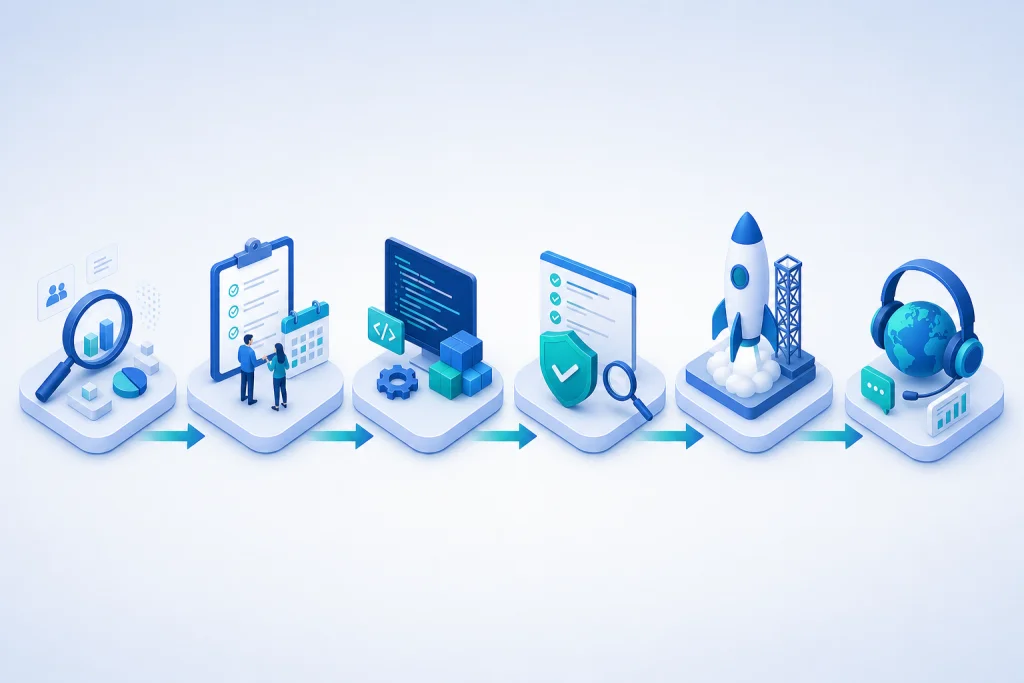
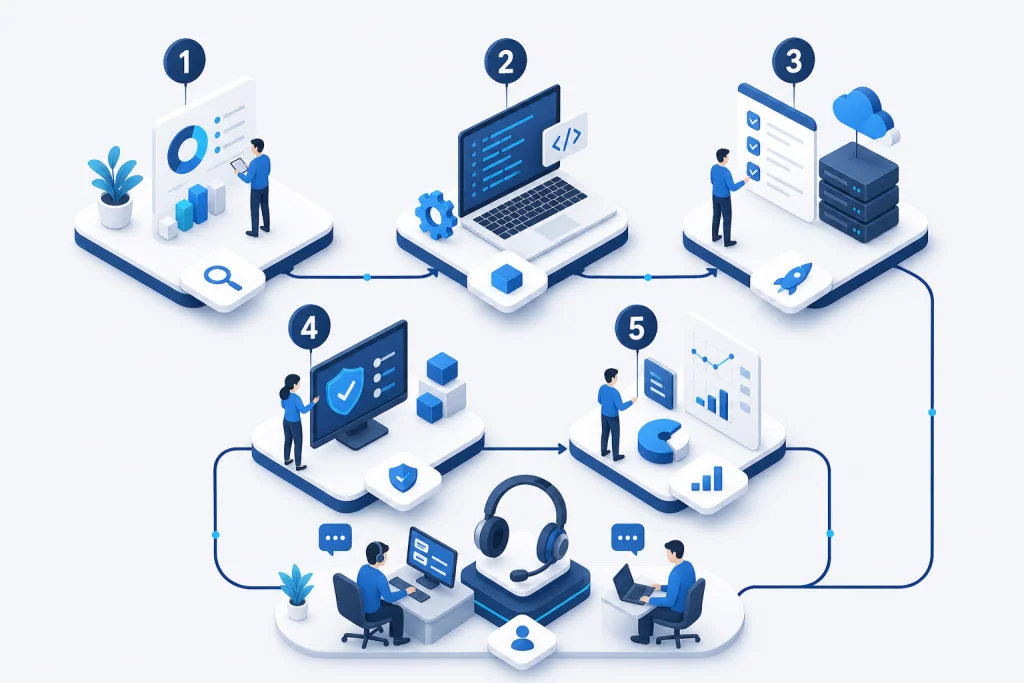
Implementation Methodology: Phase 1: Discovery & Assessment (2 weeks) – analyze current IT support processes, ticket volume, and pain points. Phase 2: Solution Design (2 weeks) – configure workflows, SLAs, integrations with existing server & storage and HCI. Phase 3: Pilot (4 weeks) – deploy to a small user group, gather feedback, adjust. Phase 4: Full Rollout (4 weeks) – train agents, migrate data, go live. Phase 5: Optimization (ongoing) – monitor KPIs, refine automation, expand integrations. This methodology ensures minimal disruption and maximum adoption.